How Do You Calculate Your Personal Month Number in Numerology?
Add the calendar month number to the Personal Year, reduce, and see one month’s emphasis inside the yearly cycle
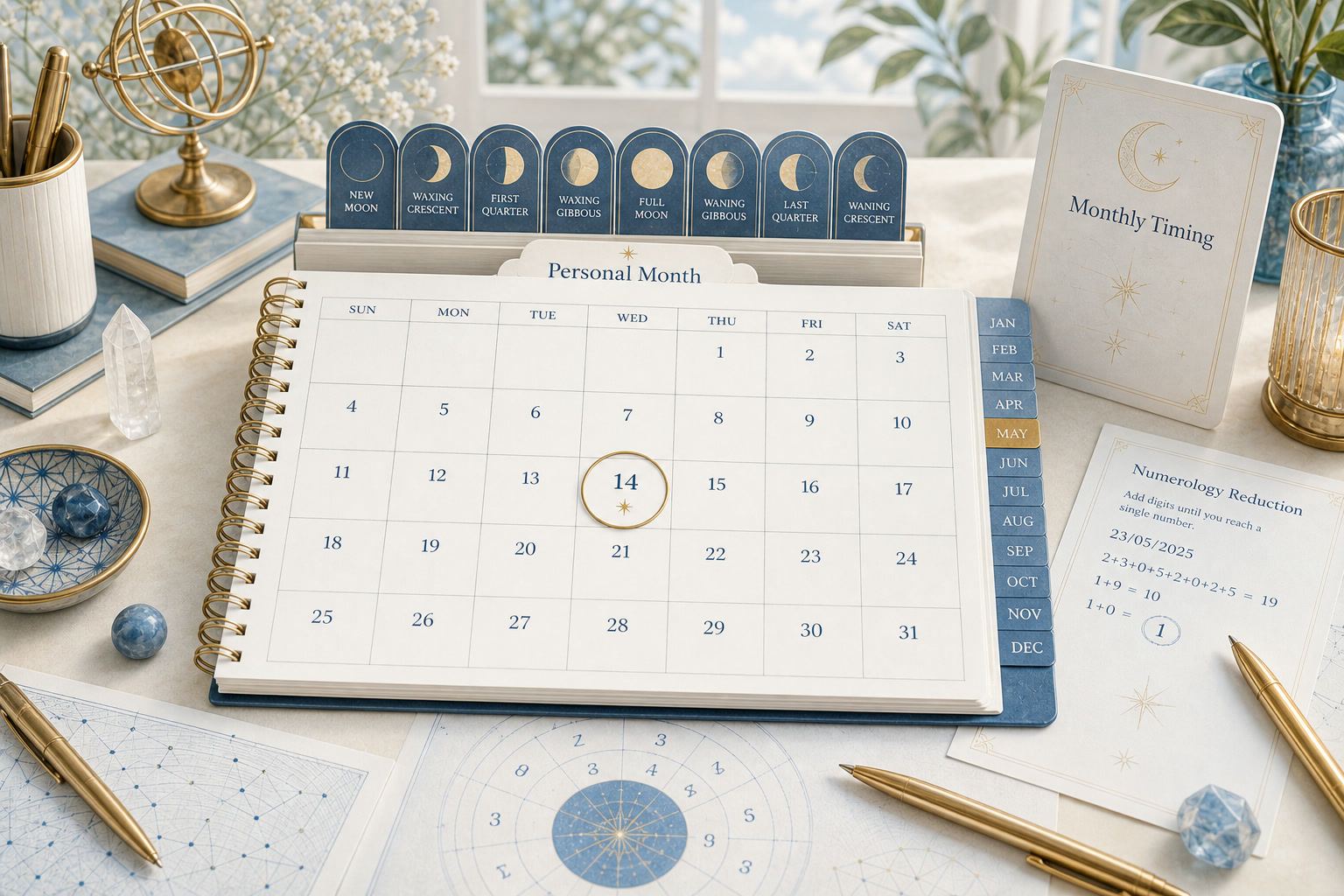
This tool organizes your input for reflection. It does not prove angel contact, predict an outcome, or replace your judgment.
The Personal Month adds the calendar month number to the Personal Year and reduces the sum. February in a Personal Year 3 gives 3 + 2 = 5; the same February in a Personal Year 7 gives 7 + 2 = 9.
Decoz confirms the shortcut: "you can just add the month to the Personal Year cycle." The calculator follows that rule, with a master-number checkbox that can preserve 11, 22, or 33 at the final reduction step.
Enter your birth month and day, choose a target month and year, and the tool computes the Personal Year internally before adding the calendar month.
Quick Facts
- Formula
- Personal Year + calendar month number (1 for January through 12 for December), then reduce
- Inputs
- Birth month and day, a target month (preset to the current month), and a target year (20 years before to 20 years after the current year)
- Birth year
- Not used; the tool’s helper text confirms it
- Master numbers
- A checkbox (on by default) keeps 11, 22, or 33 when they appear at the final reduction step
- Result panel
- The Personal Month number, a step line, a theme line, and two cards for the Personal Year and Personal Month
How the Personal Month depends on the Personal Year
Every Personal Month calculation starts from a Personal Year. The tool computes the Personal Year internally from birth month, birth day, and the target calendar year.
It then adds the calendar month number to that Personal Year value and reduces the sum to one digit. January adds 1, February adds 2, and December adds 12.
The calendar month enters the sum as a whole number, not reduced first. December adds 12 to the Personal Year, not 1 + 2 = 3.
That two-step chain means the month result changes whenever the Personal Year changes. Switching the year selector from 2026 to 2027 recalculates the Personal Year first, which shifts every month in that new year.
Birth year is not among the inputs. A helper line below the birth fields reads: "Your birth year is not used for this cycle calculation."
Reproducing Decoz’s February 2026 example
Decoz publishes the Personal Month formula with a worked example for someone born May 15 exploring February 2026. The long form is 5 + 15 + 2026 + 2 = 2048, then 14, then 5.
The same result follows from adding the calendar month to the Personal Year. The Personal Year for May 15 in 2026 is 3 (from 5 + 15 + 2026 = 2046, then 12, then 3), so 3 + 2 = 5.
The tool follows the shortcut path. Its step line reads "Personal Year 3 + month 2 = 5."
May 15, February 2026
Matching Decoz’s published example through the shortcut path.
- Personal Year
- Input
- May 15 in 2026
- Action
- 5 + 15 + 2026 = 2046, then 12, then 3
- Result
- 3
- Calendar month
- Input
- February
- Action
- Month number 2
- Result
- 2
- Personal Month
- Input
- 3 + 2
- Action
- Sum is 5, no further reduction
- Result
- 5
Both paths produce the same answer because the shortcut uses a Personal Year that is already fully reduced.
What happens when the year-plus-month sum exceeds 9
When the Personal Year plus the calendar month exceeds 9, the tool reduces the two-digit sum. For someone born November 29 exploring October 2026, the Personal Year is 5 and the sum is 5 + 10 = 15, reduced to 1 + 5 = 6.
November 29, October 2026
A sum that passes through a two-digit intermediate.
- Personal Year
- Input
- November 29 in 2026
- Action
- Reduced to 5
- Result
- 5
- Calendar month
- Input
- October
- Action
- Month number 10
- Result
- 10
- Personal Month
- Input
- 5 + 10 = 15
- Action
- 1 + 5 = 6
- Result
- 6
A Personal Year can itself be a master number. For someone born September 3 exploring December 2026, the Personal Year is 22.
Adding December (month 12) gives 22 + 12 = 34, reduced to 3 + 4 = 7.
The master-number checkbox does not change that result because 7 is not 11, 22, or 33. The checkbox applies only at the final reduction step, after the year and month are added.
The checkbox matters when the final sum itself equals a master number. For a Personal Year of 3 in August, the sum is 3 + 8 = 11.
With the checkbox on (the default), the result stays 11; with it off, 1 + 1 = 2.
| Checkbox setting | Sum | Personal Month |
|---|---|---|
| On (default) | 3 + 8 = 11 | 11 (preserved) |
| Off | 3 + 8 = 11 | 2 (reduced from 1 + 1) |
The tool’s helper text for the checkbox reads: "Keep 11, 22, and 33 when they appear at the final reduction step."
Why two people get different results for the same month
The Personal Year is built from birth month, birth day, and the calendar year. Because birth dates differ, two people exploring the same target month start from different Personal Years and arrive at different Personal Months.
October 2026 produces Personal Month 4 for someone born May 15 (Personal Year 3, then 3 + 10 = 13, reduced to 4). The same October produces Personal Month 6 for someone born November 29 (Personal Year 5, then 5 + 10 = 15, reduced to 6).
| Birthday | Personal Year (2026) | October calculation | Personal Month |
|---|---|---|---|
| May 15 | 3 | 3 + 10 = 13, then 4 | 4 |
| November 29 | 5 | 5 + 10 = 15, then 6 | 6 |
The calendar month supplies one half of the sum (10 for October in both rows). The Personal Year supplies the other half, and it changes with the birthday.
The result panel displays both numbers side by side: a Personal Year card and a Personal Month card. That layout keeps the dependency visible after the calculation runs.
Where the month sits between year and day
A note below the result reads: "The Personal Month adds the calendar month to your Personal Year, so its theme sits inside the yearly one and changes each month." The month result does not override the yearly cycle; it reads one month within it.
For a narrower frame, the Personal Day calculator adds the calendar day to the Personal Month and reduces again. For the broader frame, the Personal Year calculator shows how birth month, birth day, and the calendar year combine.
Frequently Asked Questions
What if the Personal Year is already a master number like 22?
The master Personal Year enters the addition as is. A Personal Year of 22 in December gives 22 + 12 = 34, then 3 + 4 = 7.
The master-number checkbox would not change this result because 7 is not 11, 22, or 33.
Does the tool show which Personal Year it used?
Yes. The result panel displays a Personal Year card alongside the Personal Month card, and the step line shows the addition (for example, "Personal Year 3 + month 2 = 5").
Sources
- . How to Do Your Own Numerology Reading. World Numerology (Calculating the Personal Month cycle section). Link
About Our Editorial Process
Every KnowTheAngels guide separates calculation method, tradition context, and personal reflection. We cite where interpretations come from, present more than one view, and never present symbolic reading as prediction.
Read our editorial policy